Contract Fuel Pricing
Signature/Titan: Pro PlusYour negotiated vendor prices, applied to Fuel Advisor route options. Not a public price board, and not visible to anyone else.
What it does
The Fuel Advisor already picks stops for wind and range. Contract Fuel Pricing layers your Signature Bravo or Titan contract CSV on top, so a cheaper field you actually have a deal with can beat a wind-perfect stop that costs more on the ramp.
Imported prices apply only when that program is switched on in the Fuel Advisor's Fuel Programs list. If Titan is off, your Titan prices are not shown, totaled or ranked, even after an import. Each stop lists every switched-on program's price, cheapest first, with its as-of date and how much the cheapest saves.
After a second import, PlaneWX also shows how the book is moving: weekly change in cents/gal and whether prices are trending up, down, or stable. Prices stay private to your account. Other pilots never see them.
CAA MemberPrices (Jet-A)
Active Corporate Aircraft Association (CAA) members on any Fuel Advisor plan (Casual, Pro, or Pro Plus) can link their CAA membership email to see negotiated Jet-A MemberPrices directly in Fuel Advisor without uploading CSV files.
- Custom CAA email + 6-digit code: Open Profile, edit an aircraft, expand Fuel Programs, enter your CAA membership email (even if it differs from your PlaneWX sign-in email), and confirm the 6-digit verification code.
- One account per CAA email: Each CAA email links to one PlaneWX account at a time. Select Unlink in Fuel Programs if you switch accounts or flight-department emails.
- 12-hour server cache: PlaneWX refreshes cached CAA MemberPrices every 12 hours and displays the FBO effective date and cache refresh timestamp on priced Jet-A stops.
- Twice-monthly re-validation: PlaneWX re-checks active CAA membership at least twice per calendar month, and pricing access expires automatically if not re-validated within 15 days. CAA rates appear only in live Fuel Advisor searches and are not stored on saved trip cards.
How to import (Signature / Titan)
Open Profile, edit an aircraft, and expand Fuel Programs. Two ways in:
Upload a CSV
Weekly Signature Bravo customer pricing report, or Titan's "Contract Fuel Dealers and Pricing Information" CSV. Titan filenames often omit the effective date; set it when you upload.
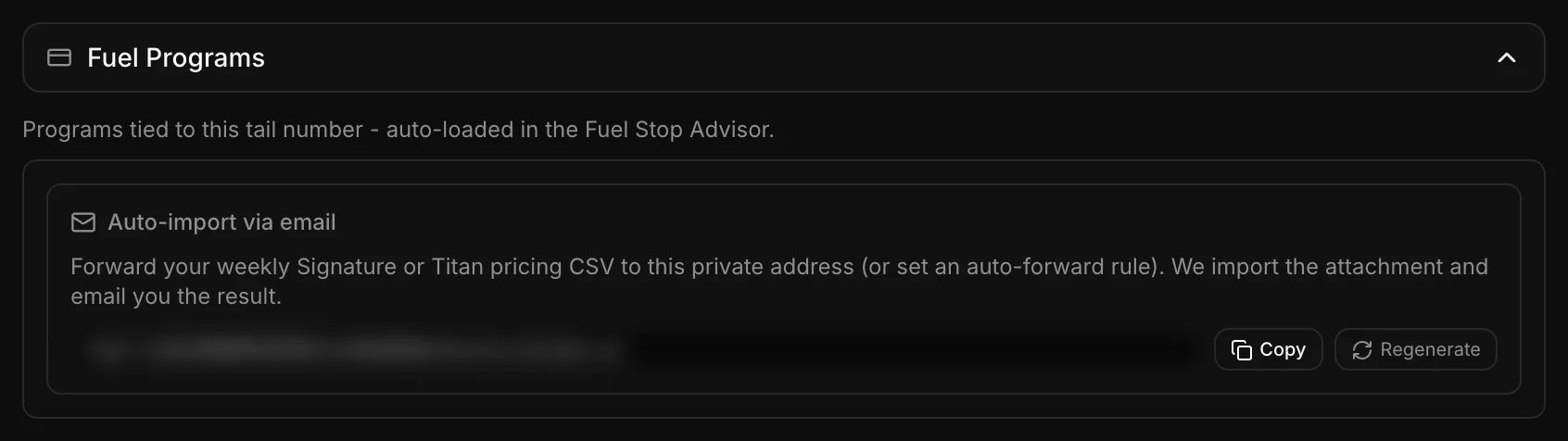
Forward the vendor email
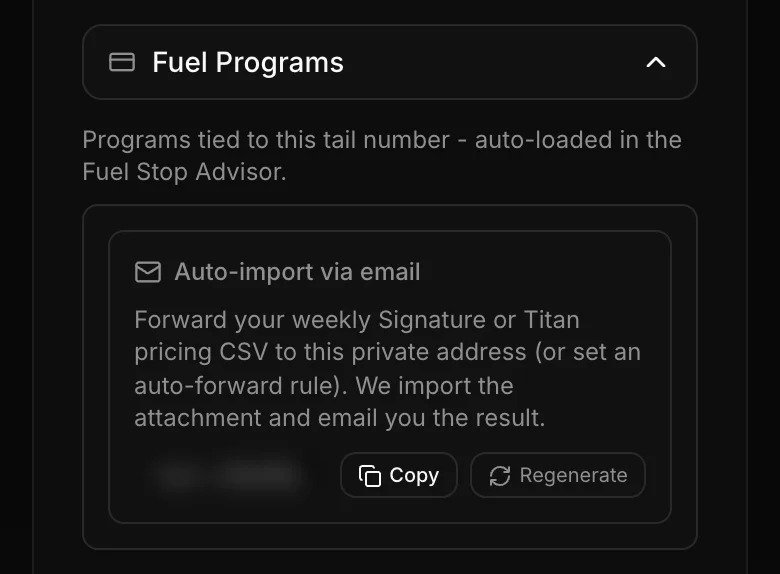
Generate a private inbound address and forward the weekly CSV to it. PlaneWX parses and stores the rows the same way as a manual upload.
How prices are trending
Each weekly import is kept. Once you have a prior snapshot, PlaneWX compares this week's book to last week's and shows a one-line glance on Profile under the saved-row count, under the CSV upload confirmation, and in the email if you forwarded the vendor file.
vs last week: -3 cents/gal, trending down
- Weekly change is the median move, in whole cents per gallon, for the same FBO and gallon band that appear in both imports.
- Trend looks across up to the last four imports. A network-median move of 2 cents/gal or more is trending up or trending down; smaller than that is stable.
- The first import has nothing to compare; the line appears after the second. This is a glance, not a chart or an airport-by-airport history.
If you leave Pro Plus
Imported prices stay in your account so you can export or re-use them later. They stop applying to Fuel Advisor rankings until you return to Pro Plus. PlaneWX does not silently keep that benefit after a downgrade, and does not delete your data.
CAA MemberPrices use a separate gate: any Fuel Advisor plan (Casual, Pro, or Pro Plus) with a verified, active CAA membership. Leaving Pro Plus does not remove CAA pricing while your plan includes Fuel Advisor and your CAA membership stays active.
This is not a live retail fuel board, and it is not Briefed Fuel Stops (the NOTAM screen that rules out a closed runway or a dead fuel pump). Price and usability are two different questions.